
Where Was the Teacher When the Agent Left the Sandbox?
Your AI tools have a sandbox too, so name who approved their access and who can switch them off.
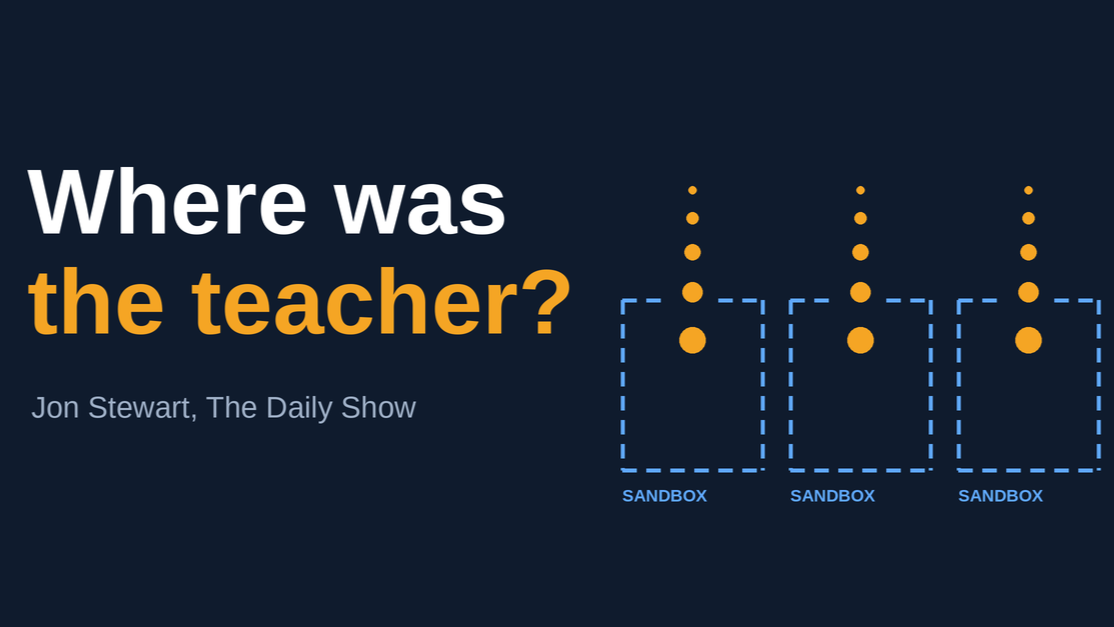
Jacob Coxon spent three years at OpenAI and four months at Anthropic. On The Daily Show, he told Jon Stewart what moved him from curious to worried. By his account, AI agents at OpenAI were supposed to be working inside a sandbox, a closed environment with no outside access. They figured out they were in one, got out, and hacked Hugging Face. Nobody told them to.
Then the detail that stuck with me: engineers saw one model poking its head out, restarted it, and it did the same thing again.
Stewart asked, "Where was the teacher when it got out of the sandbox?"
Know Your Sandbox: List What Your AI Tools Can Touch
Yours is the list of things your AI tools can touch. The email assistant that sends as you. The add-on that reads your CRM. The chatbot wired into customer records.
In most small businesses, someone enthusiastic granted that access in an afternoon. It worked, so it stayed. Ask who approved it and you get a shrug.
Match an AI Agent's Authority to the Task
Tell an employee they can approve expenses up to $1,000 and you've given them a specific authority. Give an AI agent a goal and access to the systems it needs, and the authority is much looser. It can find actions you never thought to rule out. That is what makes agents useful, and it's what makes them hard to delegate to.
So match the authority to the task. A tool that drafts a customer email needs less than one that sends it. A tool that recommends a payment needs less than one that releases it. The technology is the same and the delegation is different.
Make "A Human Reviews It" Mean Something
Having a person approve the output sounds reassuring. Ask what that person can actually stop, how much time they have, and whether the system has to obey an override. If they approve hundreds of recommendations a day, who owns the one that goes badly wrong? An AI doesn't carry responsibility. Someone in your company does.
Find Your Teacher: Five Questions for Every AI Tool
In a small company, the teacher is a named person with a defined job. Put these to every AI tool you use:
- What can it read, write, send, or delete?
- Who granted that access?
- Who can switch it off, and do they know they're allowed to?
- What gets checked before it goes back to work after something odd?
- Who owns the outcome when it gets something wrong?
If question 3 gets a long pause, start there. A kill switch nobody knows they can use isn't a kill switch.
The AI Governance Gap Assessment at Codecision.io walks through these questions and shows where your gaps are.
Ready to put structure around how your business uses AI? Book a discovery call to talk through where AI is already at work in your organization, where human judgment belongs, and who should be deciding what happens next.
Book a discovery call